The Challenge
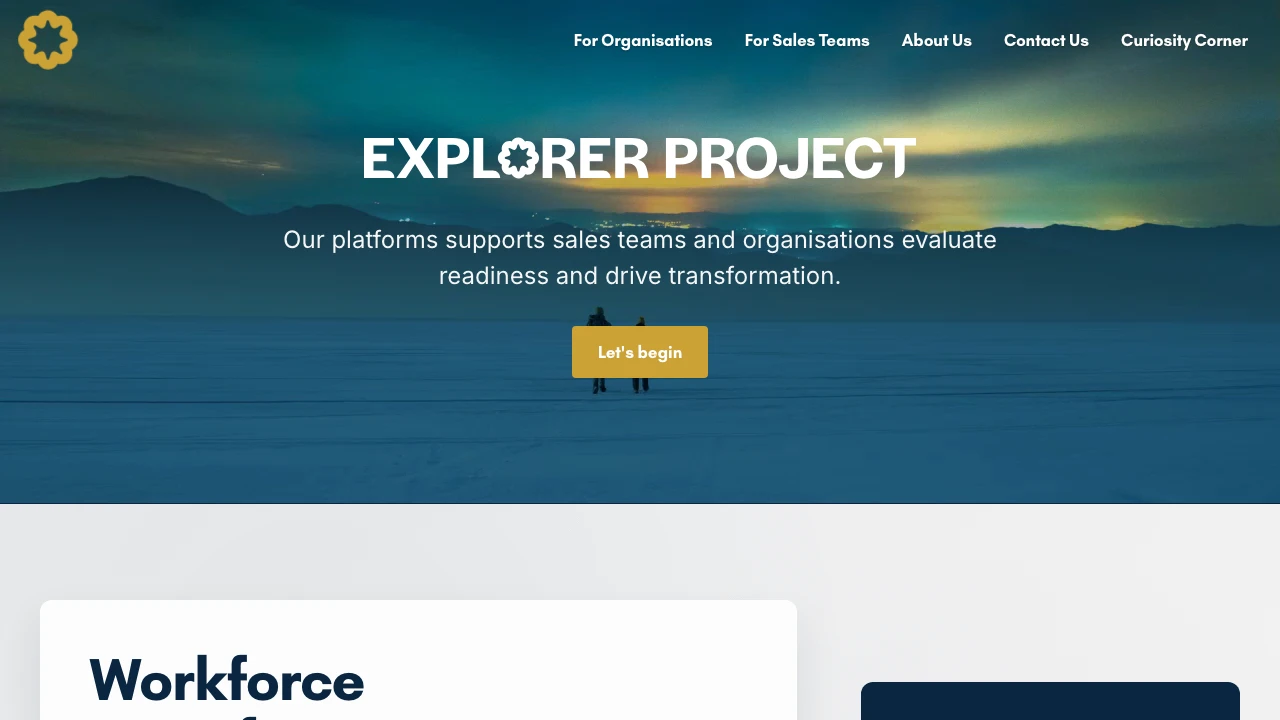
Explorer Project helps organisations get ready for workforce change in a world where AI is reshaping work, and helps sales teams get ready to win deals in that world. Its offer is a method: a way of asking the right questions, then turning the answers into a clear picture and a next step.
A method is hard to sell from a brochure site. People need to try it. That meant the website had to do real work:
- Let a visitor take an assessment, see a meaningful result straight away, and have it land in their inbox
- Tell the team who had taken one and how they scored, so a conversation could follow
- Serve two quite different audiences, organisations and sales teams, without confusing either
- Help a salesperson and their customer agree on a business case together, which is where many deals stall
- Protect the method itself, since it is the thing being sold
The Approach
I treated each tool as a short conversation with the visitor, and the website as the place where that conversation starts rather than a page that describes it.
A few decisions shaped everything else:
- Two audiences, two front doors. One path for organisations and one for sales teams, each with its own wording and its own assessment, so nobody has to translate.
- Answers should lead somewhere. A score on its own isn’t useful. Each result names the weakest areas and gives practical next steps, so the visitor leaves knowing what to do.
- Keep the method private. The scoring and recommendations run on the server. The visitor’s browser collects answers and shows results, but never holds the rules.
- Everyone gets the result. The visitor receives their results by email, and the Explorer Project team is notified, so a completed assessment is never lost.
The Solution
I developed the whole site on Astro (a modern website framework) and Cloudflare (which delivers it to visitors), with three working tools and two enquiry forms, all on the one site:
- Readiness assessment for organisations: 15 statements, answered on a five-point scale, across seven areas: strategy, skills, technology, culture, measurement, operating model, and risk and ethics. The visitor gets an overall score, a readiness level, their three weakest areas and up to four practical recommendations
- Deal readiness check for sales teams: a similar scored check, made for a live deal, covering things like how strong the internal champion is, how clear the value is, and whether the budget holder has been reached. It adapts to whether the deal is new or a renewal, so renewal-only questions appear only when they apply
- Business case builder: a guided set of questions on context, current situation and outcomes. It adapts to the buyer, such as a CFO or a CIO, and to the industry. It then produces an executive summary, a financial projection, an implementation plan, a risk assessment and recommendations. The visitor can copy it, print it as a PDF or download it as text
- A worked example: a sample business case page, so a visitor can see what the finished document looks like before they commit time to building one
- Two enquiry forms: “We need help” for organisations, and “Get involved” for people who want to join the project, each with a confirmation email to the sender and a notification to the team
Behind the scenes:
- Scoring stays on the server, so the method isn’t exposed in the page
- Results are checked again when they are submitted: scores and percentages are validated, so a result that doesn’t add up is rejected rather than emailed
- Branded emails: the results emails are built to look right across email programs, with safe fallback fonts chosen to help them display properly and reach the inbox
- Smooth to use: page transitions, a header that changes as you scroll, a mobile menu and a layout that works on a phone
The Result
Explorer Project now has a site where visitors can experience the method rather than read about it. An organisation or a sales team can complete an assessment, see where they stand and receive the result by email. The team is notified each time, so a conversation can start from real answers instead of a cold enquiry.
For sales teams, the business case builder gives a salesperson and their customer one document to work from, with the problem, the value, the owners and the timeline in one place.