The Challenge
The client ran a growing retail operation with both online and wholesale channels. Every time a certain kind of Shopify order came through (wholesale, split-payment or custom-invoiced), someone on the team had to create a matching invoice in Xero by hand.
It wasn’t complicated work, but it never stopped. Mistakes crept in. Invoices got missed. Month-end reconciliation became a multi-day headache. The team was spending roughly 2.5 hours every week on a process that should have been automatic.
The real cost wasn’t just time. It was the mental load of remembering which orders needed manual handling and which didn’t.
The Approach
Before writing any code, I mapped out the full order lifecycle. Which orders triggered a Xero invoice? What were the exception cases? What happened when an order was refunded or partially fulfilled?
The team walked through their existing workflow step by step, flagging the edge cases they’d learned to handle through trial and error. This mapping phase took two sessions and produced a decision tree (a simple yes-or-no flowchart of the rules) that covered every scenario.
Only then did the solution take shape. It was far simpler than a “just automate it” approach would have been, because the rules were clear.
The Solution
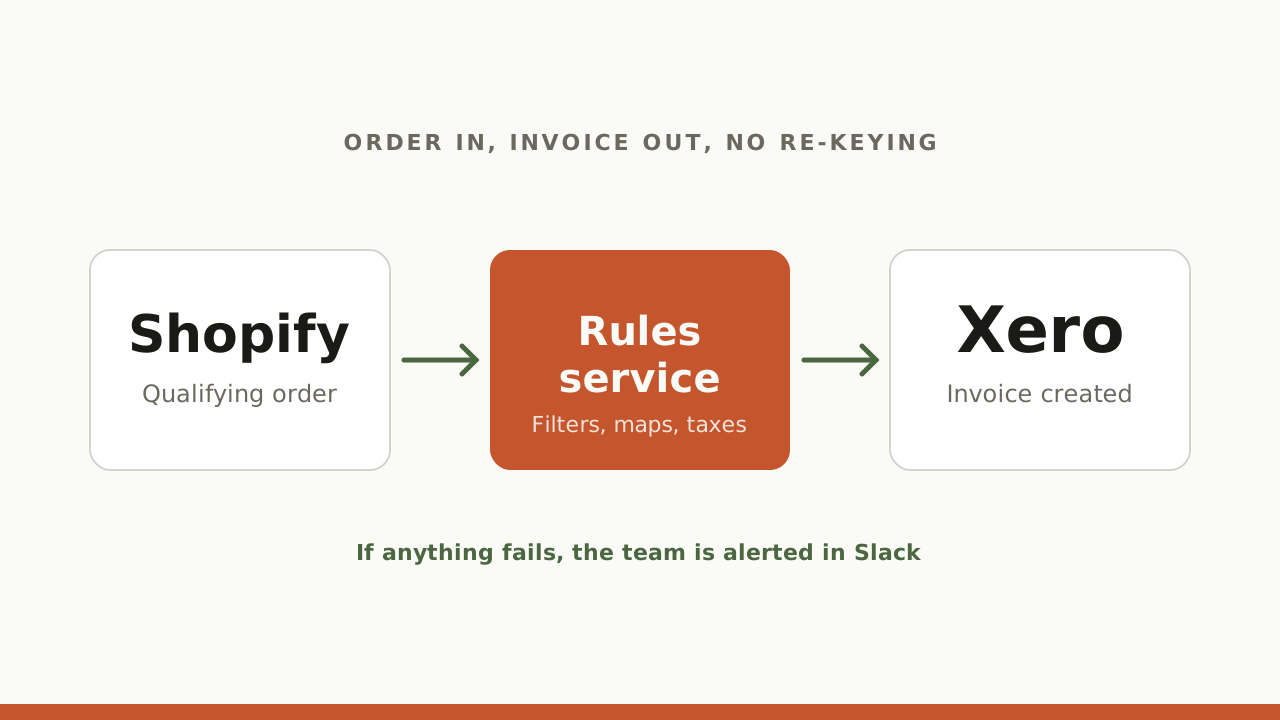
An automation that springs into action the moment a qualifying Shopify order is placed, and creates the matching Xero invoice automatically. It handles:
- Choosing the right orders: only certain order types trigger an invoice
- Matching products: each product on the order is matched to the right item in Xero
- Tax: the correct rate applied for the customer’s type and region
- Error alerting: if an invoice fails to create, the team gets a Slack notification with the order details so nothing falls through the cracks
- Refunds: when an order is refunded in Shopify, the Xero invoice is cancelled automatically
The whole thing runs as a small program in the background, with no ongoing maintenance beyond keeping an eye on it.
The Result
Month-end reconciliation went from a multi-day job to a quick spot check. The team no longer worries about missed invoices or mismatched numbers. The automation now runs in the background, with the team only needing to act when an alert comes through.